
5 Android Settings That Secretly Track Your Location
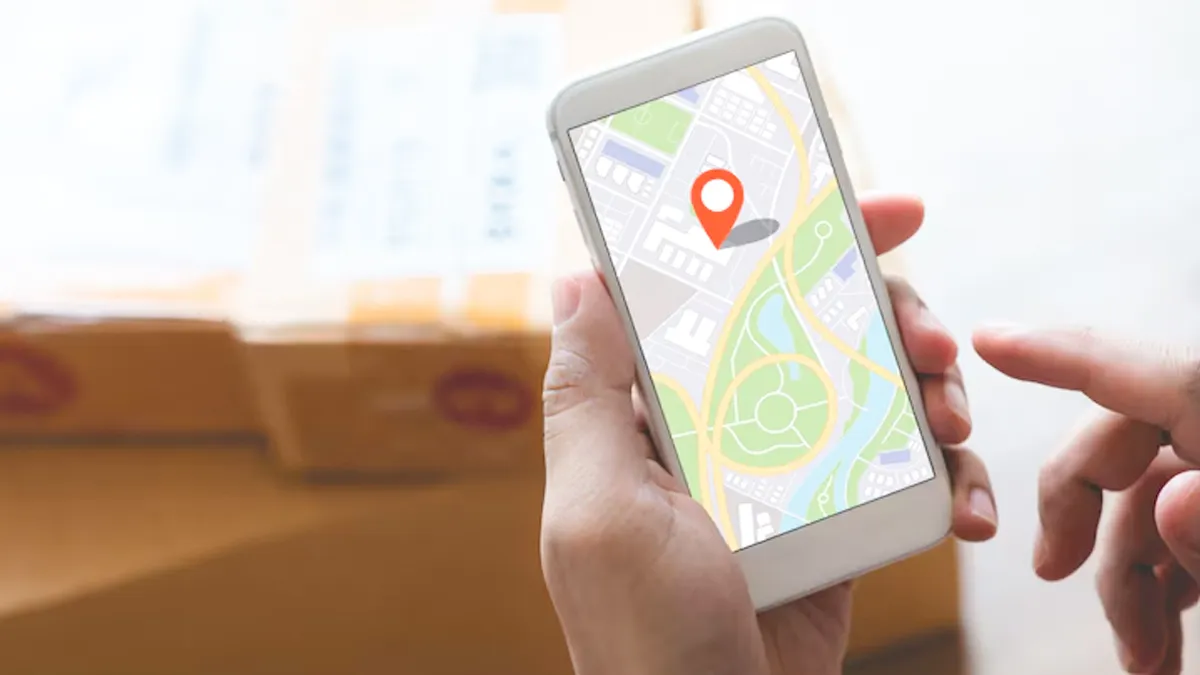
While modern Android security is robust, several built-in features and permissions, often designed for convenience, can record or share your precise location data. If you are concerned about privacy, here are five key Android settings you should review and consider adjusting.
5 Android Settings That Secretly Track Your Location
1. Google Location History
This is the most comprehensive tracker on your device.
- What it does: It saves a private map of everywhere you go with your phone, even when you aren't actively using an app. This data is linked to your Google Account and creates a detailed timeline of your movements (accessible via Google Maps Timeline).
- How to check/disable: Go to Settings > Google > Manage your Google Account > Data & privacy > Location History. You can pause the tracking and even auto-delete old data.
2. Wi-Fi and Bluetooth Scanning
These settings allow your phone to track location even when GPS is turned off.
- What it does: Your phone constantly scans for nearby Wi-Fi networks and Bluetooth devices to improve location accuracy for Google services (like finding your phone or location-based recommendations). This scan works even when Wi-Fi and Bluetooth are disabled in the quick settings panel.
- How to check/disable: Go to Settings > Location > Wi-Fi scanning and Bluetooth scanning (or search for "Scanning" in settings). Turn both options off.

3. Google Maps Timeline and ‘Your places’
While related to Location History, the data collected here is used to make smart suggestions.
- What it does: Google automatically records locations it thinks are your "Home" or "Work" based on frequency of visits, and uses your real-time location to offer traffic updates, commute times, and local recommendations.
- How to check/disable: Open Google Maps > Tap your profile picture > Your Timeline > Settings and privacy. Review and delete stored locations, especially Home and Work addresses.
ALSO READ- OnePlus 15 5G Leaks: Check Expected Price In India, Launch Date, Camera, Design, Display, And More
4. Background App Permissions (Location Access)
Many apps request "Always Allow" location access, often unnecessarily.
- What it does: Granting "Always Allow" means an app can access your exact location 24/7, even when you're not using it (e.g., weather apps, social media, retail apps). This data is often used for targeted advertising or background data collection.
- How to check/disable: Go to Settings > Location > App permissions. Review the list under ‘Always allow’ and change unnecessary apps to ‘Allow only while using the app’ or ‘Don't allow.’

5. Emergency Location Service (ELS)
This service is crucial for safety, but shares location data immediately when you dial emergency services.
- What it does: When you call emergency numbers (like 112, 911, 100), ELS temporarily shares your precise location with emergency responders, even if your general location services are off. This feature is usually active by default.
- How to check/disable: Go to Settings > Location > Emergency Location Service (or search for "Emergency location"). While you can disable it, it is strongly recommended to leave ELS enabled for your safety during an actual emergency.
Image credits: Freepik
For more such stories, stay tuned to HerZindagi.
- 1. Does my Android phone track my location even when GPS is off?
- Yes. Certain features, like Wi-Fi scanning, Bluetooth scanning, and mobile networks, can still estimate your location even if GPS is disabled.
- 2. What Android settings commonly track my location without me realising?
- Settings such as Google Location History, Wi-Fi scanning, Bluetooth scanning, and app-level permissions can collect location data in the background.
- How can I stop apps from tracking my location secretly?
- You can disable background location access in Settings > Apps > Permissions > Location, and restrict apps to “Allow only while using the app.”
- 4. Is Google Location History the same as Location Services?
- No. Location Services helps apps determine your position, while Google Location History logs where you’ve been over time. Both can track location independently.
- Will disabling these settings affect my phone’s performance or features?
- Some features like navigation, weather accuracy, device tracking, and Bluetooth device detection may not work properly if you turn off all location-related settings.
Our aim is to provide accurate, safe and expert verified information through our articles and social media handles. The remedies, advice and tips mentioned here are for general information only. Please consult your expert before trying any kind of health, beauty, life hacks or astrology related tips. For any feedback or complaint, contact us at compliant_gro@jagrannewmedia.com.